Systems for identifying people have existed for thousands of years, and have been extremely useful for tracking people, managing access, and organising records more efficiently. Historians believe that early forms of record-keeping were used in ancient civilisations such as Babylon to track trade, labour, and population activity.
Modern workplaces operate very differently, although identification still plays an essential role in keeping daily operations organised, which can be easily actioned through using an ID card printer. Staff ID cards are commonly used across offices, schools, hospitals, warehouses, events, and corporate buildings to help manage employee access, visitor entry, attendance tracking, and workplace security more smoothly.
Using an ID card printer machine allows organisations to produce these cards in-house whenever they are needed, rather than relying on outsourced printing for new employees, visitors, or students. In this guide, we share steps to help you choose the right ID card printer for your workplace or organisation.
Keep reading to learn more!
What Does an ID Card Printer Machine Do?

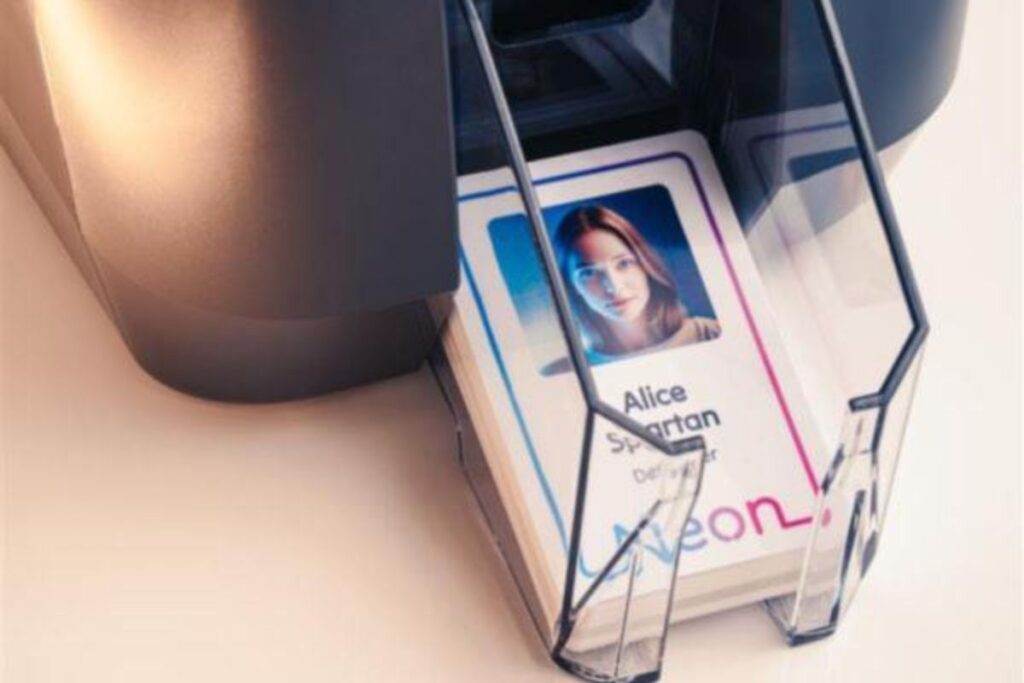
An ID card printer machine is a specialised printer used to create plastic identification cards for workplaces, schools, healthcare facilities, membership programmes, events, and secure access systems.
These machines print directly onto PVC cards and can produce staff ID cards, visitor badges, student cards, membership cards, loyalty cards, and access control cards using photographs, names, company branding, barcodes, QR codes, and security features.
Modern ID card printers can also support smart card encoding, RFID technology, magnetic stripe functionality, and double-sided printing, depending on the machine model. Some printers are designed for occasional office use, while others are built for organisations producing large volumes of cards regularly.
The main objective of an ID card printer is essentially to allow organisations to create professional-looking identification cards quickly while keeping employee management, building access, and workplace organisation more efficient
5 Ways To Find the Right ID Card Printer
Different ID card printers are built for different environments. Some are designed for small offices that print occasional employee badges, while others are made for schools, universities, healthcare facilities, warehouses, and corporate buildings that produce hundreds or even thousands of cards regularly.
Here are five important areas worth looking at before investing in an ID card printer:
1) Understand Your Budget and Long-Term Printing Needs
Some organisations only print a few cards each month for employee identification or visitor access. At the same time, larger workplaces may produce hundreds of cards regularly for staff onboarding, contractors, students, or event attendees. Higher print volumes usually require faster printers, larger ribbon capacities, and stronger print engines capable of handling continuous daily use without frequent interruptions.
Print speed can vary heavily between models. Entry-level direct-to-card printers may produce around 100 to 150 full-colour cards per hour, while higher-capacity systems can exceed 200 cards per hour depending on print settings and encoding requirements.
Long-term running costs also matter. Ribbon replacements, blank PVC cards, software licences, lamination films, printhead replacements, cleaning kits, and encoding upgrades can all affect operational costs over time. Printheads alone can sometimes cost several hundred pounds to replace, depending on the printer model.
2) Learn the Difference Between Printing Technologies
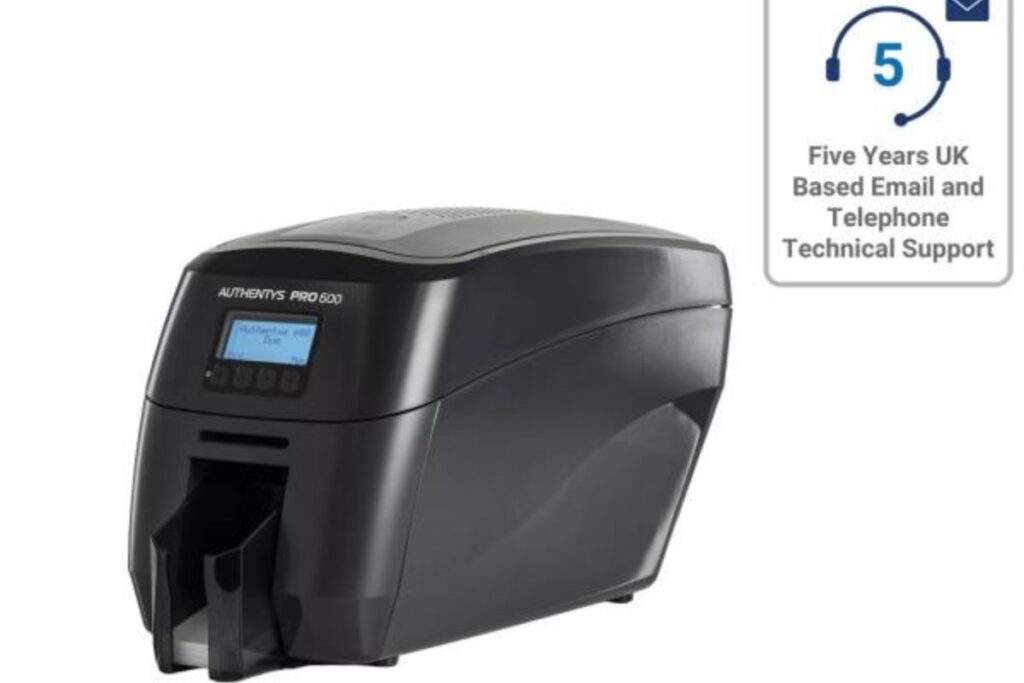
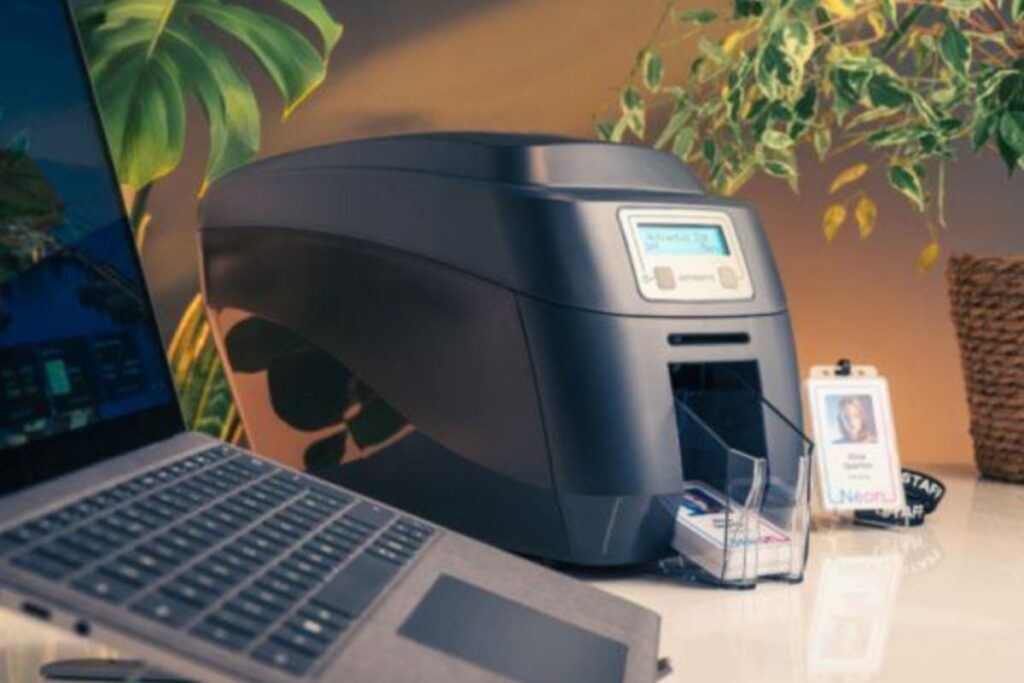
Direct-to-card printers are among the most commonly used systems because they print directly onto the card surface using thermal transfer technology. These printers are usually more affordable and work well for standard employee ID cards, visitor passes, and school identification systems.
Retransfer printers operate differently by printing the image onto a transparent transfer film first before applying it to the card surface through heat and pressure. This process often produces sharper image quality, cleaner edge-to-edge printing, and better consistency on cards containing embedded smart chips or uneven surfaces.
Retransfer systems are commonly used in environments where print quality and durability matter heavily, such as government facilities, universities, airports, and healthcare organisations.
Some workplaces also prioritise lamination features. Laminated cards can last considerably longer than standard cards because the protective overlay helps reduce fading, scratching, moisture exposure, and daily wear caused by swiping or scanning access cards repeatedly.
3) Match the Printer to Your Workplace Environment
A small office may only require simple employee photo badges printed occasionally, while larger organisations may depend on integrated access control systems, attendance tracking, visitor management software, or smart card technology operating across multiple departments.
Card design complexity also matters. High-resolution printers capable of producing sharper text, cleaner company logos, and clearer employee photographs are often preferred in workplaces where branding and visual presentation play a larger role.
In environments handling sensitive access control, organisations may also look for printers supporting holographic overlays, UV printing, microtext security features, or tamper-resistant card technology to help reduce counterfeiting risks.
4) Check Security and Access Control Features
Most workplaces integrate ID cards directly into building access systems, attendance tracking platforms, visitor management software, secure payment systems, and restricted area monitoring.
Some ID card printers support advanced encoding technologies, including RFID, NFC, smart chips, and magnetic stripe functionality. RFID cards alone are now widely used across offices, universities, hospitals, hotels, and transport systems because they allow contactless scanning without requiring physical swiping.
Security printing features have also become more advanced. Some organisations look for printers capable of holographic overlays, UV printing, microtext security elements, or tamper-resistant card designs to help reduce duplication risks and improve workplace security.
It also helps to check whether the printer supports future upgrades. A workplace using simple photo ID cards today may later move toward integrated access control or smart card systems as operational needs grow.
5) Look at Warranty and Technical Support Options
Ribbon loading problems, print alignment issues, software compatibility updates, encoding errors, and printhead maintenance can all affect long-term reliability if support is difficult to access later. In workplaces handling daily staff onboarding, visitor management, or secure access systems, printer downtime can quickly interrupt operations.
Trusted suppliers like Digital ID provide a variety of professional ID card printers alongside manufacturer-backed support services and accessories. They also offer full coverage directly from the original manufacturer, free 30-Day TrueSupport, and free next working day delivery across UK mainland locations.
Features To Compare
Different ID card printers support different capabilities depending on the workplace environment and security requirements.
| Feature | Why It Matters |
| Double-sided printing | Allows employee details and security information on both sides |
| RFID or smart card encoding | Supports secure building access and attendance systems |
| Lamination support | Helps improve durability and card lifespan |
| Batch printing | Useful for schools, events, and larger organisations |
| Network connectivity | Allows multiple users to access the printer |
| High-resolution printing | Produces clearer photos and sharper branding |
Finding the Best ID Card Printer for Business Needs
The right ID card printer usually depends on how often cards are printed, what security features are required, and how the workplace plans to use identification systems long term. Some organisations only need simple photo ID cards, while others require access control integration, smart card encoding, or larger batch printing capabilities.
Comparing printing technologies, support coverage, long-term running costs, and security features carefully can help avoid expensive upgrades later. A printer that works well for a small office today may struggle once staff numbers or card production needs start growing.
As more workplaces continue using ID systems for security, visitor management, and employee organisation, reliable card printing systems remain a practical part of daily operations across different industries.
Images courtesy of unsplash.com, Freepix.com and pexels.com
Some images supplied