Photography is no longer something that’s solely in the hands of trained photographers with expensive equipment. The rise of smartphones means almost everybody has a high-quality camera in their pocket. That doesn’t mean everyone will be a great photographer, however.
Instead, they’ve got the potential to become one. If that sounds appealing, you’ll need to know how to take better pictures with your phone to achieve it. That doesn’t have to be as difficult as you’d think. Plenty of websites, such as the Backlight Blog, help you with this.
A few tips and tricks can also be helpful, with three standing out.
Take Better Pictures with Your Phone: 3 Top Tips
1. Use HDR Mode
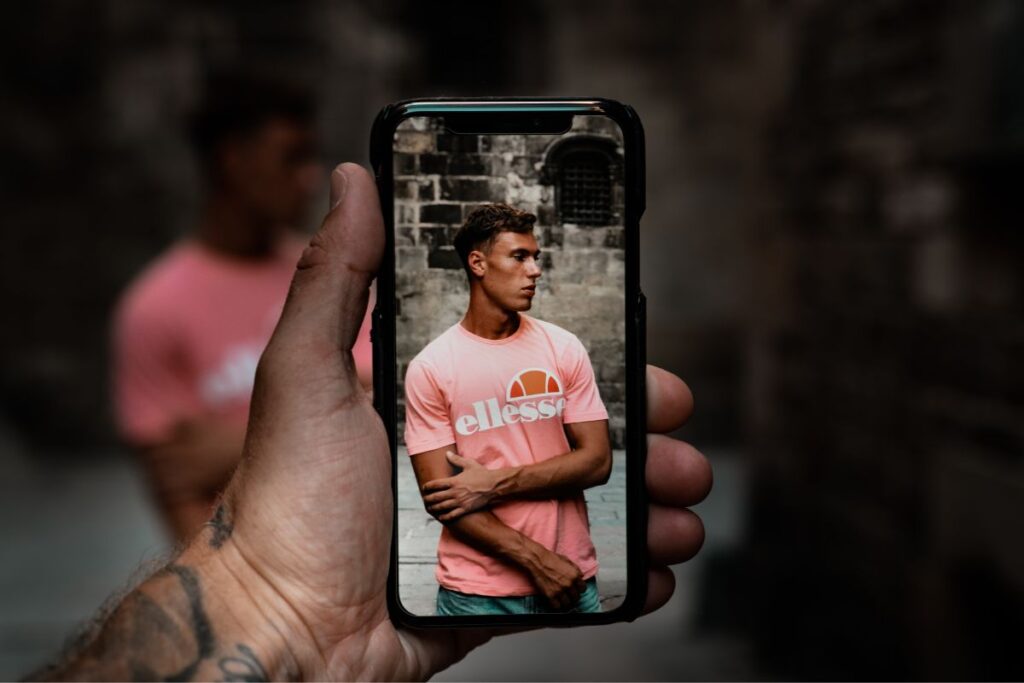
High dynamic range (HDR) lets your photos look more visually appealing by balancing light and dark elements. It lets images look similar to how you’d see the subject with your bare eyes, making them appear more natural. HDR also lets you retain detail in light and dark areas without over- or under-exposing anything.
iPhones do this by standard, but you’ll need to change the settings if you’re using any other type of phone. It only takes a few seconds, and it’s more than worth the effort. It’ll make sure your photos look as natural as possible while helping you get creative.
2. Focus
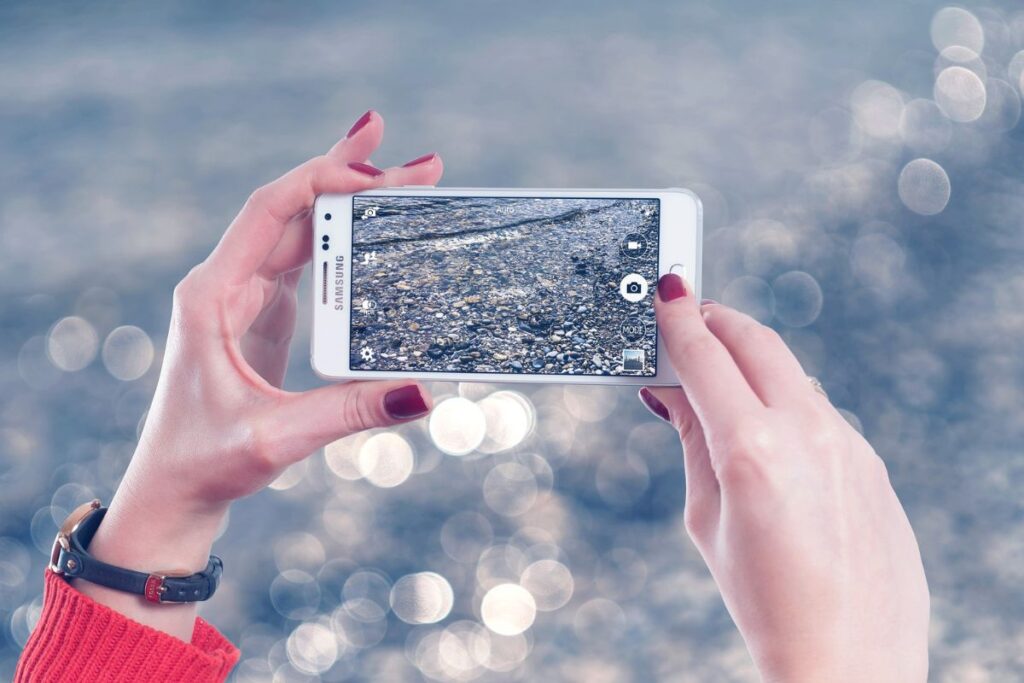
The best photos all have a specific focus. They don’t simply try to take in everything that’s in front of them. When you’re taking a photo, make sure to have this focus rather than trying to capture everything. Think of this as the subject of the photo.
Have this as the centrepiece of the picture, with the rest of the image simply working as background. You could even have the rest of the image be relatively blurry and out-of-focus to complement the main focus.
You can take your screen to help the camera focus on the area you want it to.
3. Get Natural Light

Using the flash on your phone can seem like a great idea when it’s relatively dark. You’ll need a way to lighten things up, after all. Using it can be a bad thing, however, as it alters colours, washes out faces, and overexposes the picture.
It’s much better recommended to use natural light as much as possible. While this could mean making a few adjustments to where you’re taking the photo from, etc., it’ll result in much more visually appealing pictures.
It also lets you play with shadows and get more creative with the image, so there’s no reason not to use natural light.
Take Better Pictures with Your Phone: Wrapping Up

Learning how to take better pictures with your phone doesn’t have to be difficult. You’ll have all the tools needed right in your smartphone. It’s worth using a few tips and tricks when you’re doing so, with some standing out more than others.
Focusing on a particular area, getting as much natural light as possible, and using HDR mode are all part of this. You’ll be taking better photos in no time.
Images courtesy of pixabay.com and unsplash.com