Want to check someone’s Instagram profile without creating an account? Whether you’ve deleted Instagram, prefer not to log in, or simply want to see a public post, several methods may help.
Instagram limits what visitors can access without signing in. Public profiles and posts sometimes open in a browser, while Stories and downloads often require another approach.
This guide explains ways to view Instagram without an account in 2026, including public profiles, Stories, Reels, and supported downloads.
Can You View Instagram Without an Account?
Yes. You may be able to view content from public Instagram accounts without signing in, although access varies.
Common methods include:
- Direct browser access: Open public profiles or posts using their URLs.
- Search engines: Find publicly indexed Instagram content.
- Anonymous viewers: Explore supported public Stories and profiles through third-party websites.
- Instagram downloaders: Save eligible public media for permitted offline use.
These methods cannot legitimately bypass private-account restrictions. Private accounts require an approved follow request before their restricted content becomes accessible.
Instagram Access When You’re Logged Out
Instagram sometimes displays public usernames, profile pictures, biographies, and selected posts without requiring registration.
Search engines may also index eligible public content, making certain profiles and posts discoverable through search results.
However, Instagram may interrupt browsing with a login prompt.
Direct links to public photos, videos, and Reels sometimes work, but Stories generally require an Instagram session through the official interface.
Private posts remain restricted to approved followers. Liking, commenting, following, messaging, and publishing content require an account.
Accessibility varies by device, browser, location, and current restrictions.
Method 1: View Instagram Profiles in Your Browser
Direct browser access is the simplest starting point when you know someone’s Instagram username.
Opening a Public Instagram Profile
- Open Chrome, Safari, Firefox, or Edge.
- Enter the profile address using instagram.com/username.
- Replace username with the public account’s handle.
- Review the available profile information.
- Select a post or Reel if Instagram allows further browsing.
For example, instagram.com/natgeo leads to National Geographic’s Instagram profile.
You may see the biography, profile picture, or recent posts before encountering a login prompt.
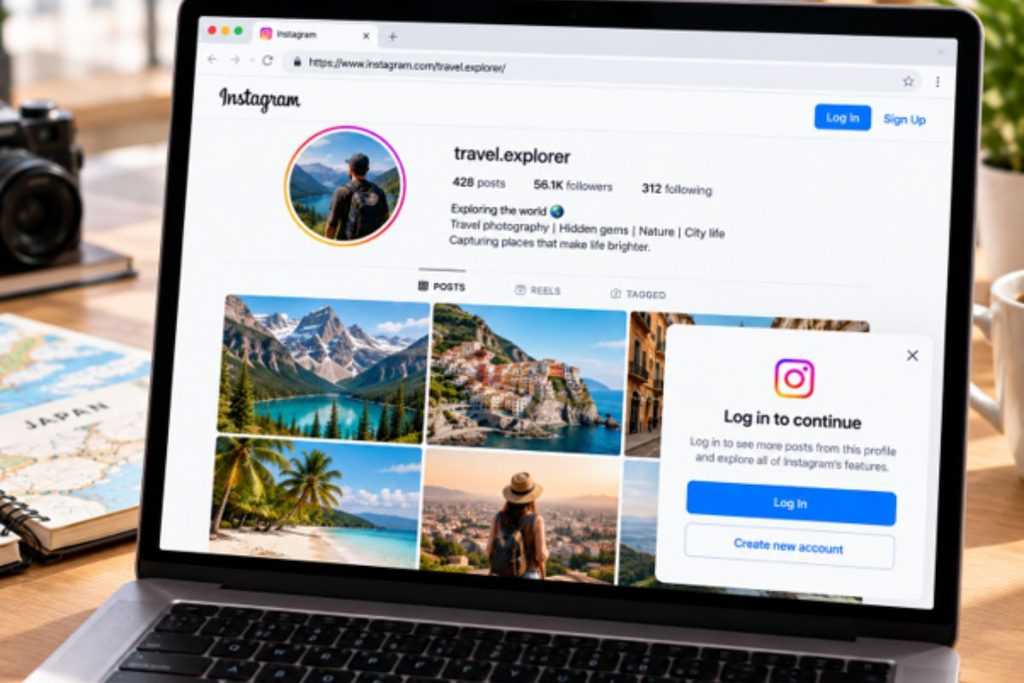
What if Instagram Requests a Login?
Sometimes the login prompt can be dismissed. In other cases, browsing stops.
Opening a direct public post link in another tab may work when navigating through the profile does not, although success is not guaranteed.
For occasional profile checks, browser access may be sufficient.
Method 2: Use an Anonymous Instagram Viewer
An anonymous viewer is a third-party service that helps visitors browse supported public content without signing into their personal Instagram accounts.
These services may support profiles, Stories, posts, or Reels, depending on their capabilities.
Explore Public Instagram Content With Grabfy
For people seeking a convenient browser-based option, Grabfy provides Instagram viewing tools designed for supported public content.
You can visit Grabfy as an instagram story viewer starting point and navigate to its dedicated Story viewing feature.
This makes Grabfy particularly relevant when you want to watch publicly accessible Instagram Stories without using your personal session or installing another application.
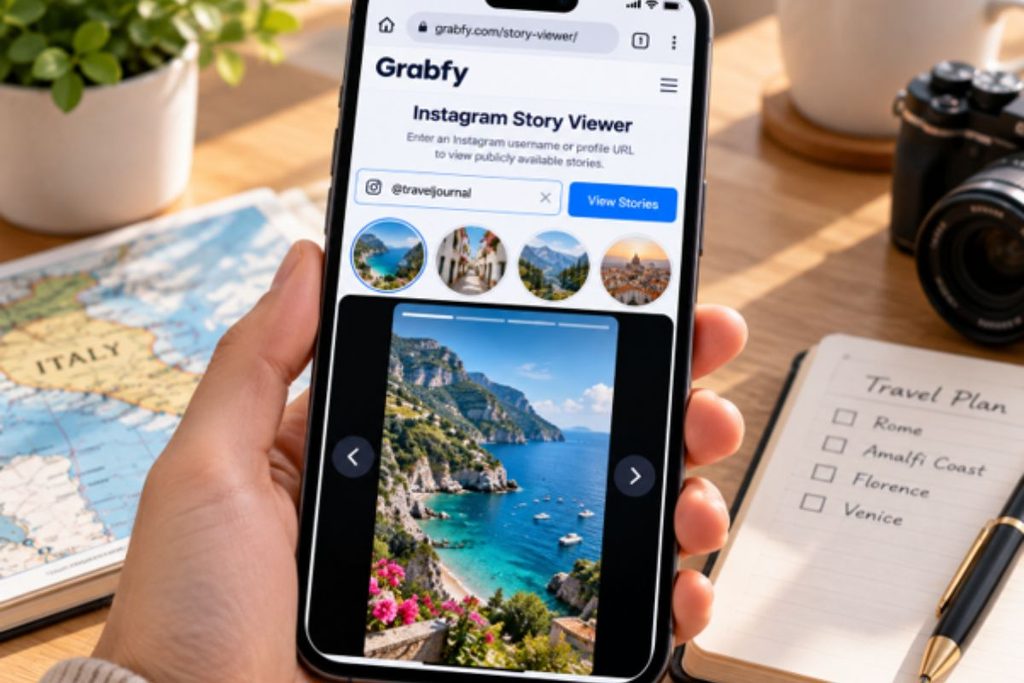
Content availability depends on the account’s public status, whether the Story remains accessible, and the service’s current capabilities.
Steps for Using an Anonymous Instagram Viewer
Most services follow a similar process:
- Open the viewing website.
- Enter a supported Instagram username or content URL.
- Click the search button.
- Select an available Story or post.
- Browse the displayed content.
Some services function as Instagram post viewers, while others focus on Stories or downloads.
Can You Watch Stories Anonymously?
Third-party viewers may display public Stories without using your session.
Consequently, your personal username is not ordinarily added to the creator’s Story viewer list.
However, anonymous viewing does not guarantee complete online anonymity. Websites and networks may still process technical information.
Avoid services claiming unrestricted access to private accounts.
Method 3: Download Public Instagram Content
Sometimes temporary viewing is insufficient. You might want to save an authorized tutorial, travel reference, or your own published content.
Browser-based downloaders can help retrieve supported public media without installing another application.
The Instagram Downloading Process
- Find the public Instagram content.
- Copy its URL.
- Open a downloader supporting that format.
- Paste the link into the designated field.
- Follow the instructions to save the available file.
Successful downloads depend on the source remaining accessible and supported.
Types of Instagram Content Available for Download
Photos: Individual images from eligible public posts.
Videos: Supported standard video posts for permitted offline reference.
Reels: Short-form videos accessible through compatible downloading tools.
Stories: Public Stories that remain available and supported.
Carousels: Posts containing multiple images, videos, or both.
Downloading content does not automatically authorize modification, redistribution, or commercial reuse.
What You Can and Cannot Do Without Instagram
Without an account, you may be able to browse public profiles, view selected posts, find indexed content, and read visible comments.
Compatible third-party services may also support public Story viewing and downloads.
However, you cannot follow accounts, like posts, comment, send messages, publish content, or manage a personal profile.
Private posts and Stories remain restricted to approved followers.
Saving Instagram Stories for Offline Viewing
Instagram Stories generally disappear from public Story availability after 24 hours unless preserved through Highlights.
For supported public Stories you have permission to save, browser-based downloading offers a practical option.
Use Grabfy for Public Instagram Stories
Grabfy provides dedicated Instagram tools for viewing supported public Stories and downloading eligible media.
Its browser-based approach makes it a useful choice for people who want to explore public content without installing separate software.
For downloading, Grabfy also offers an Instagram Story Saver designed for supported public Stories.
Enter the supported Story link into the appropriate field and follow the displayed instructions.
Expired, deleted, private, or otherwise inaccessible Stories may not be retrievable.
When Is Downloading Instagram Content Useful?
Saving permitted content can support travel planning, creative research, educational projects, and personal archives.
Travelers may retain destination references for offline access, while creators can organize approved visual inspiration.
For professional projects, preserve the original source URL, creator information, and permission records.
Staying Safe and Private While Viewing Instagram
Browsing public Instagram content without signing in can reduce activity associated with your personal account, but third-party services may still collect technical information.
Avoid Suspicious Websites
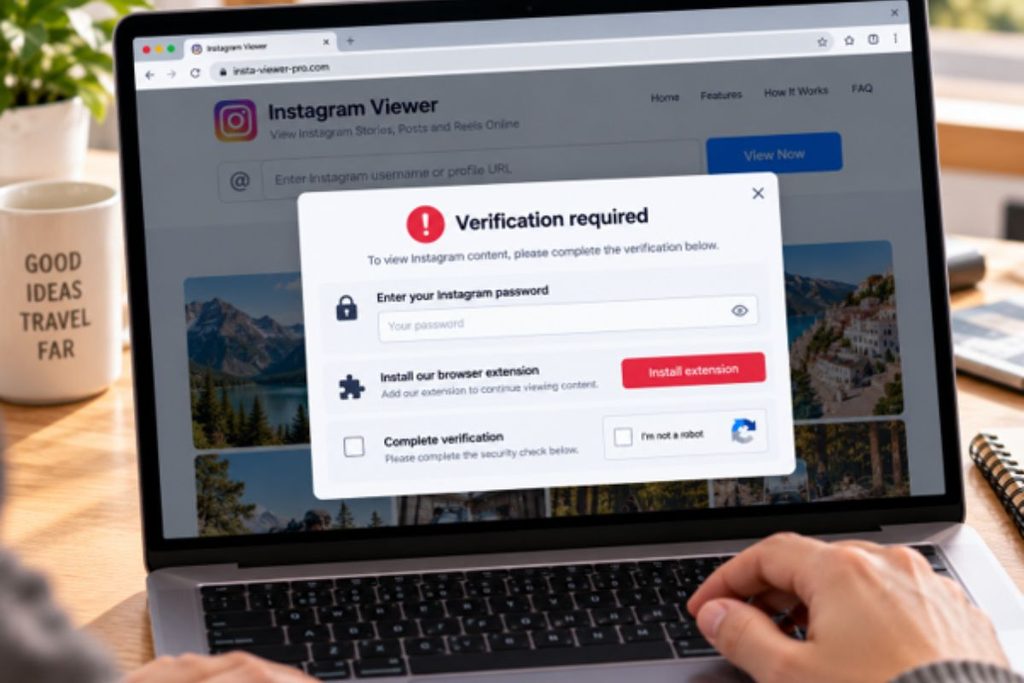
Public-content viewing should not require your Instagram password.
Be cautious of websites requesting unnecessary payment information, unfamiliar browser extensions, suspicious verification surveys, or unknown software installations.
Understand Anonymous Viewing
Instagram does not ordinarily notify users about visits to their public profiles.
Stories differ because creators can access viewer lists. Viewing through an independent service without your Instagram account may avoid associating your username with the view.
However, review third-party privacy policies before sharing information or using their services.
Respect Creator Permissions
Public Instagram content may be protected by copyright.
Downloading a post does not automatically permit reposting, editing, or commercial distribution.
Obtain authorization when necessary. Attribution alone does not replace permission.
Frequently Asked Questions
Can I View Private Instagram Profiles Without an Account?
No. Private posts and Stories are restricted to approved followers. Third-party services cannot legitimately bypass these restrictions.
Will Someone Know if I View Their Profile?
Instagram does not normally notify users about ordinary profile visits. Story views are different because Instagram provides viewer lists.
Can I Watch Instagram Reels Without Logging In?
Some public Reels open through direct links. You may still require login, while third-party services may support certain public videos.
Can I Search Instagram Without an Account?
You can search for public profiles and posts through search engines. Instagram’s own search functionality is limited for logged-out visitors.
Is Downloading Instagram Content Legal?
Legality depends on applicable laws, platform rules, creator permissions, and intended use. Public availability does not automatically grant reuse rights.
Do I Need to Install an App?
No. Direct browser access and compatible third-party viewing services can work without additional applications, although availability is not guaranteed.
Final Thoughts
Viewing Instagram without an account is possible for some publicly accessible content, but restrictions vary.
Direct browser links work for occasional profile checks, while compatible third-party viewers and downloaders provide additional options for supported public media.
Choose methods that respect privacy settings, protect your information, and honor creators’ rights.
Images supplied