Home office: a room in your house with a table, a chair and an open box of crayons.
Ok, that’s not quite what anyone’s going for with their home office, but when millions suddenly became “remote workers” in March 2020, most people weren’t so organized. Kitchens became cubicles. Dining rooms became conference rooms. Bedroom corners became offices for…actual offices.
And it didn’t look so good.
Why a Proper Home Office Matters

The fact is, you can get so much more done with a good home office setup. Stanford found remote workers were 13% more productive working from home than in the office. That’s nearly an extra hour each day, just by being at home.
The question is: how do you make a home office work for you?
Building a home office isn’t as simple as throwing a desk into the corner of a room.
It’s the right setup. It’s the right tools. It’s the best virtual address to keep your image of professionalism looking spiffy even though you’re working from your walk-in closet. (Your clients don’t need to know you share a wall with the washing machine at your corporate headquarters).
How to Organize Your Home Office to Do More Work in Less Time
Let’s take a look at the basics:

- Zones your home office needs.
- The psychology behind good workspaces.
- Tech set up that actually works.
- Space-saving solutions that do too.
- How to make it all work for you.
Sound good? Let’s go.
The Zones Your Home Office Needs
Think of your home office like any functional room in your home. It needs certain zones.
You don’t prepare dinner in the bathroom or sleep in the kitchen. So why do everything at the same desk?
The most productive home offices are broken down into three main zones:
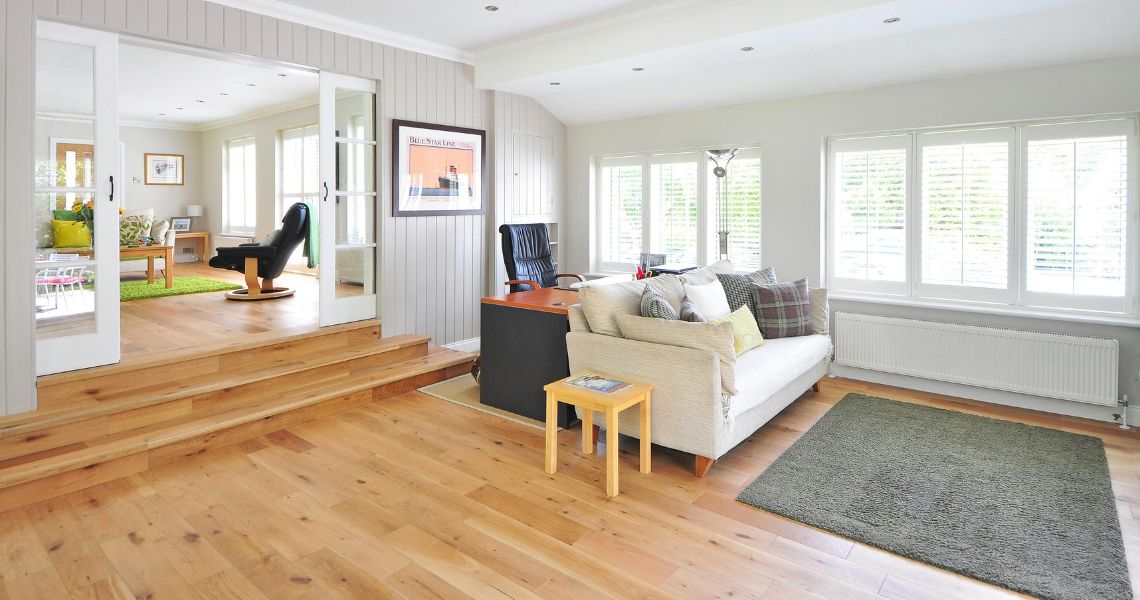
Work Zone: your main desk/workspace area. Your computer, your main tools, everything you interact with every day goes here.
Storage Zone: papers, supplies, reference materials. Everything needs a place, but it doesn’t need to be on your desk.
Break Zone: Just a comfortable chair in the corner. You need a place to get up and step away without staring at a screen all day.
It sounds simple, but creating these three zones alone will transform any space into a more productive work zone. You don’t need a large area. You just need organization.
The Psychology Behind Good Workspaces

Fun fact:
62% of employees say they’re more productive at home. Yet, productivity slumped when millions suddenly went remote in March. Why?
Space matters. But it’s the details you may not notice that matter most.
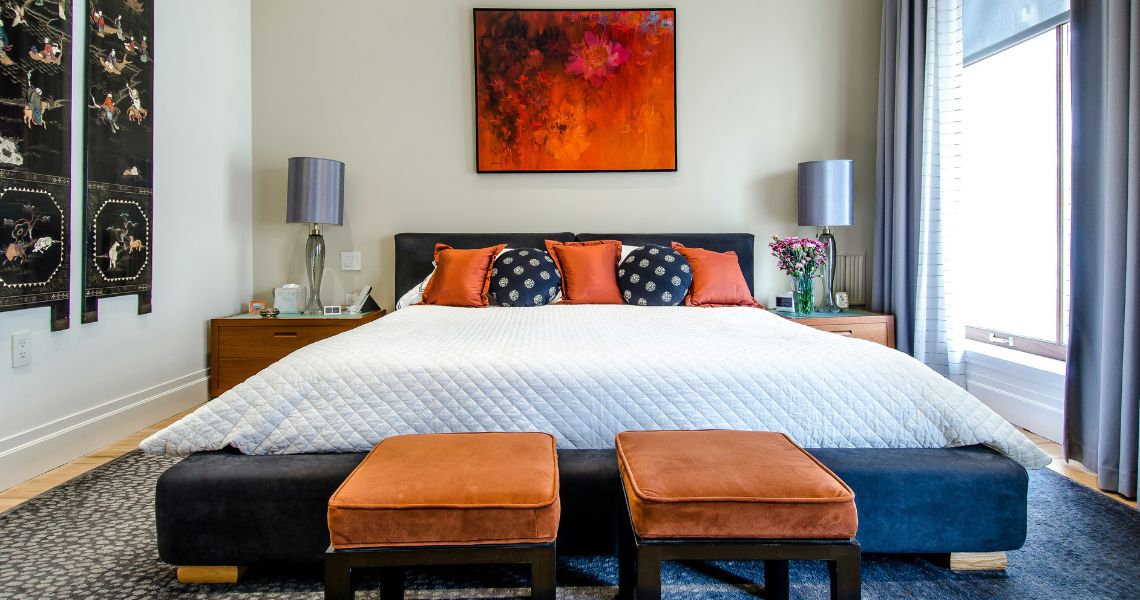
Colors have psychological effects. Blues and greens enhance focus. Yellows and oranges spark creativity. Reds increase urgency but also anxiety and stress. Choose your space’s palette wisely.
Natural light is important. Position your desk under a window if possible. Windowless rooms will want to choose a full-spectrum LED bulb to mimic daylight.
Clutter impacts cognitive function. Research has shown the more stuff in your field of vision, the slower your brain’s processing speed. The pile of paper on your desk? It’s making you dumb. Keep your workspace clean and clear. Not sterile, but organized. Yes, personal touches and pictures are fine but everything in your office should have a purpose.
The Tech Set Up That Actually Makes Sense
Technology can make or break your productivity.
Your internet connection should be your number one tech purchase. There’s nothing worse than trying to work with frozen video conferencing and spotty emails.
The same goes for your monitor set up. Laptops are convenient but working on a single screen from a laptop has a measurable negative impact on productivity. Dual monitors have a productivity bump of 20-30%. Get an external monitor. It’s worth it.
Don’t cheap out on your webcam either. Your laptop’s built-in camera makes you look like you’re calling from the stone ages. Spend $20 and get a webcam that makes you look professional again.
Audio is important too. No one needs to hear your dog barking in the background. Get a quality headset with a noise canceling mic and life is good.
Last, cable management is not sexy but cords and wires are distracting. You can find cable sleeves and clips to keep all those cords neatly hidden.
Space-Saving Home Office Solutions That Actually Work
First, not everyone has an office. Most people are shoehorning workspaces into corners, closets and bedrooms.
If you’re short on space, don’t worry. Small offices can be some of the most productive.
Wall-mounted desks are king. Fold up when you’re done and reclaim all that living space. Some come with built-in storage that hides.
Vertical storage is your friend. Think up, not out. Use floating shelves, pegboards and wall organizers to keep everything you need without taking up floor space.
Use multi-functional furniture to double up. Ottomans with hidden storage inside? Great for supplies. Table that lifts up to desk height? Instant work space.
Room dividers or curtains also work if you need to visually separate your workspace from the rest of a room. Studio apartments can still have “offices” your brain recognizes as work.
Rolling carts are a secret weapon. Pull them out when you need a mobile command center, put them away when you don’t.
The Secret Sauce: Professional Boundaries at Home
And this is where most home offices fail.
Just because you work at home doesn’t mean your home is your office. Without boundaries, you’ll burn out quickly.
Set office hours. Start and end times, not “recommendations.” When work ends, it’s over. Close the laptop, turn off notifications.
Physical boundaries are important too. Your office should have some visual barrier. A door, ideally. Can’t have an entire room? Hang a curtain. Bookshelves help your brain separate home mode from work mode too.
Make family and roommates aware of your rules. You’re home doesn’t equal available. Would they stroll into your corporate office talking about dinner? Same rules apply.
Dress for work. At least enough to signal your brain you need to be productive. Yeah, that could mean “real” pants but you never know when a surprise video meeting might occur.
Create a shutdown ritual to help your brain transition from work mode to home mode. Review tomorrow’s task list. Clean off your desk. File those loose papers.
How to Make It All Work Together

The best home office is the one that works for you.
Some people need complete silence to be productive. Others need a little white noise. Some need minimal workspaces. Others need visual stimuli all around.
Pay attention to your most productive times of the day. Take note for a week of when you tear through tasks and when you drag your feet. Design your space and schedule to work with your body’s natural rhythms.
Ergonomics are important too. That kitchen chair might be fine for a meal, but spending eight hours a day in it will kill your back. Don’t cheap out on office furniture.
Expect to keep refining your space and set up as you discover what works best for you. What works this month might not work next month. Your home office should evolve with you.
It’s All in Your Hands
A productive home office doesn’t have to be expensive or complicated.
It’s a matter of being intentional with your space, your tools, your boundaries and your workday. Every single element should work with you, not against you.
Remember those productivity numbers I mentioned at the beginning? Remote employees save eight and a half hours every week by not commuting. That’s 426 hours per year. But if your home office setup is working against you, you’ll spend those hours quickly.
Start with one zone. Get that one right. Then move to the next.
Companies across the globe are embracing and benefiting from remote workforces. It’s time you got your piece of that pie. A well-organized home office is the key. It’s about more than productivity. It’s about sustainable work that doesn’t rob you of your sanity.
Your home office is waiting. Time to make it work for you.
Images supplied courtesy of unsplash.com and pexels.com